
Best Smart Home Protocols for Home Assistant
Home Assistant has become one of the most powerful platforms for building a fully customizable smart home. Unlike many consumer systems that lock you into a single ecosystem, Home Assistant supports dozens of wireless technologies and thousands of devices.
However, choosing the best smart home protocol for Home Assistant can significantly impact the reliability, speed, and scalability of your automation system.
The most commonly used protocols with Home Assistant include:
Z-Wave
Zigbee
WiFi
Thread / Matter
Bluetooth Low Energy (BLE)
Each protocol serves a different role in a modern smart home architecture.
Z-Wave: Reliable Smart Home Automation
Z-Wave is one of the most reliable protocols available for Home Assistant systems.
It operates in the sub-GHz radio band (around 900 MHz), which avoids interference from WiFi networks. Z-Wave devices communicate through a mesh network, meaning powered devices relay signals throughout the home.
Why Z-Wave Works Well with Home Assistant
Highly reliable mesh networking
Excellent wall penetration
Strict device certification standards
Strong security support
Typical Z-Wave devices include:
Door locks
Motion sensors
Smart switches
Alarm sensors
Thermostats
Home Assistant Z-Wave Hardware
To use Z-Wave with Home Assistant you typically install:
Z-Wave USB controller (ex: Zooz or Aeotec)
Home Assistant communicates with the network through Z-Wave JS, the modern Z-Wave integration.
Z-Wave is ideal for core automation and security devices where reliability is critical.
Zigbee: Best for Sensors and Smart Lighting
Zigbee is another extremely popular protocol used with Home Assistant. Like Z-Wave, Zigbee uses a mesh networking architecture where powered devices act as signal repeaters.Zigbee operates primarily in the 2.4 GHz band and supports very large networks of devices.Advantages of Zigbee for Home Assistant
Extremely low power consumptionLarge mesh networksFast device response timesHuge ecosystem of devices
Common Zigbee devices include:Smart bulbsMotion sensorsTemperature sensorsSmart plugsEnvironmental monitors
Zigbee Hardware for Home Assistant
Typical Zigbee controllers include:Sonoff Zigbee dongleSkyConnect USBConBee II
Home Assistant supports Zigbee through:ZHA (Zigbee Home Automation)Zigbee2MQTT
Zigbee is often the best protocol when you need many sensors or smart lighting devices.WiFi: High Bandwidth Smart Home Devices
WiFi devices connect directly to your network router rather than using a mesh network.This makes WiFi ideal for high-bandwidth devices that require internet access.Advantages of WiFi for Home Assistant
Direct network connectivityHigh data throughputEasy device configurationSupports firmware updates
Typical WiFi devices include:Security camerasSmart speakersSmart TVsVideo doorbellsDisplays
However, WiFi devices usually consume more power, making them less suitable for battery-powered sensors.Thread and Matter: The Future of Smart Homes
Thread is a modern low-power mesh networking protocol designed for smart homes. It works closely with the Matter smart home standard, which aims to unify device compatibility across manufacturers.Benefits include:Secure IP-based networkingMesh architectureCross-platform compatibilityVendor-neutral ecosystem
Thread is expected to become increasingly important in the next generation of smart homes.Best Smart Home Protocol Mix for Home Assistant
Most advanced Home Assistant systems use multiple protocols simultaneously.Example architecture:Z-Wave
LocksSwitchesSecurity sensors
Zigbee
Motion sensorsSmart bulbsEnvironmental sensors
WiFi
CamerasVoice assistantsSmart displays
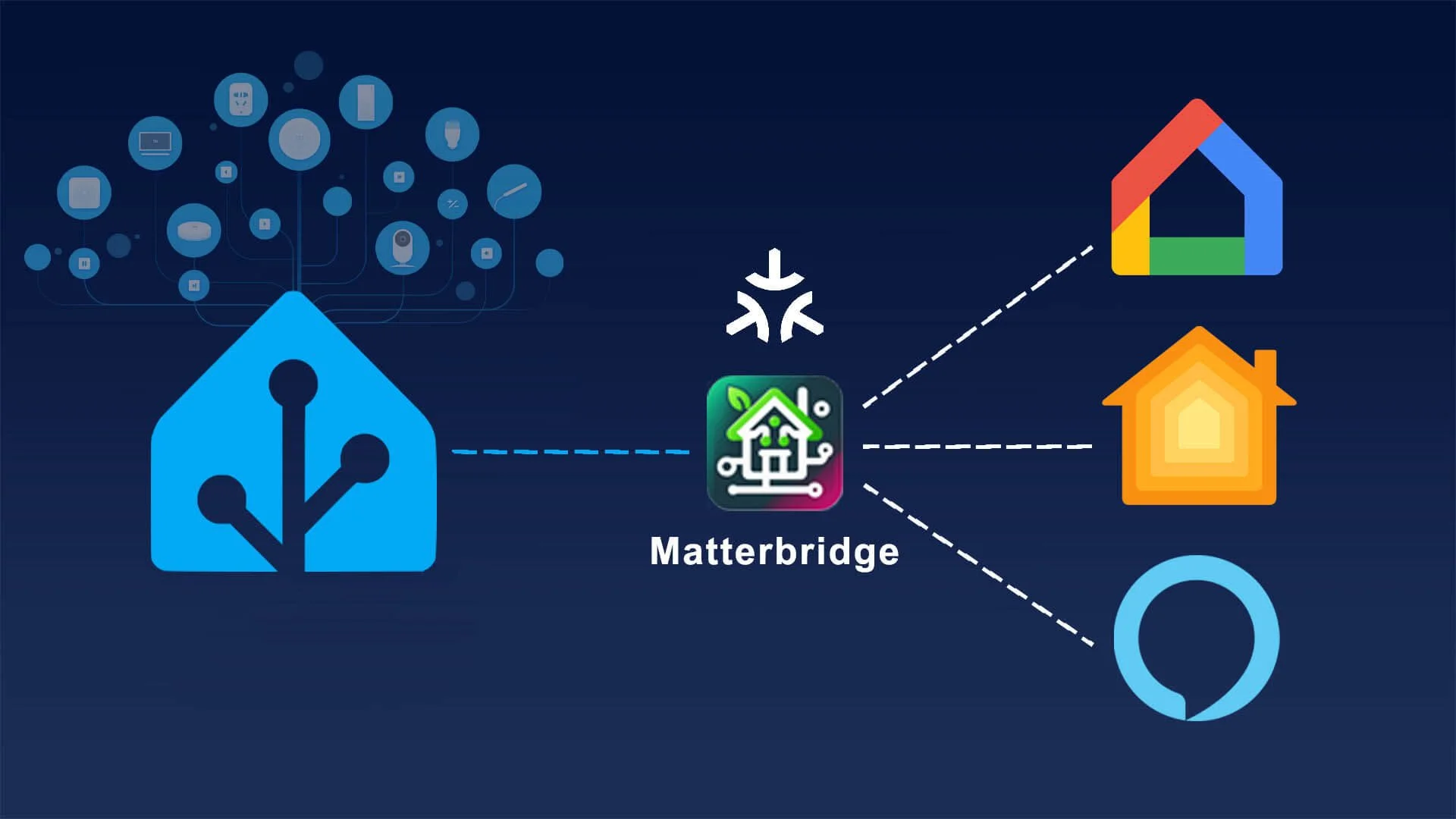
Home Assistant acts as the central automation brain connecting all these technologies.
Final Thoughts
The best smart home protocol for Home Assistant depends on the type of device you are connecting.Z-Wave is best for reliable automation and securityZigbee works well for large networks of sensorsWiFi is ideal for high-bandwidth devicesThread/Matter represents the future of interoperable smart homes
Most Home Assistant users build a hybrid smart home network that combines multiple protocols.Local Smart Home vs Cloud Smart Home Systems
One of the biggest decisions when building a smart home is choosing between local automation and cloud-based smart home systems.Many commercial smart home platforms rely heavily on cloud services, while platforms like Home Assistant prioritize local control.Understanding the differences between local vs cloud smart homes helps determine which approach is best for your system.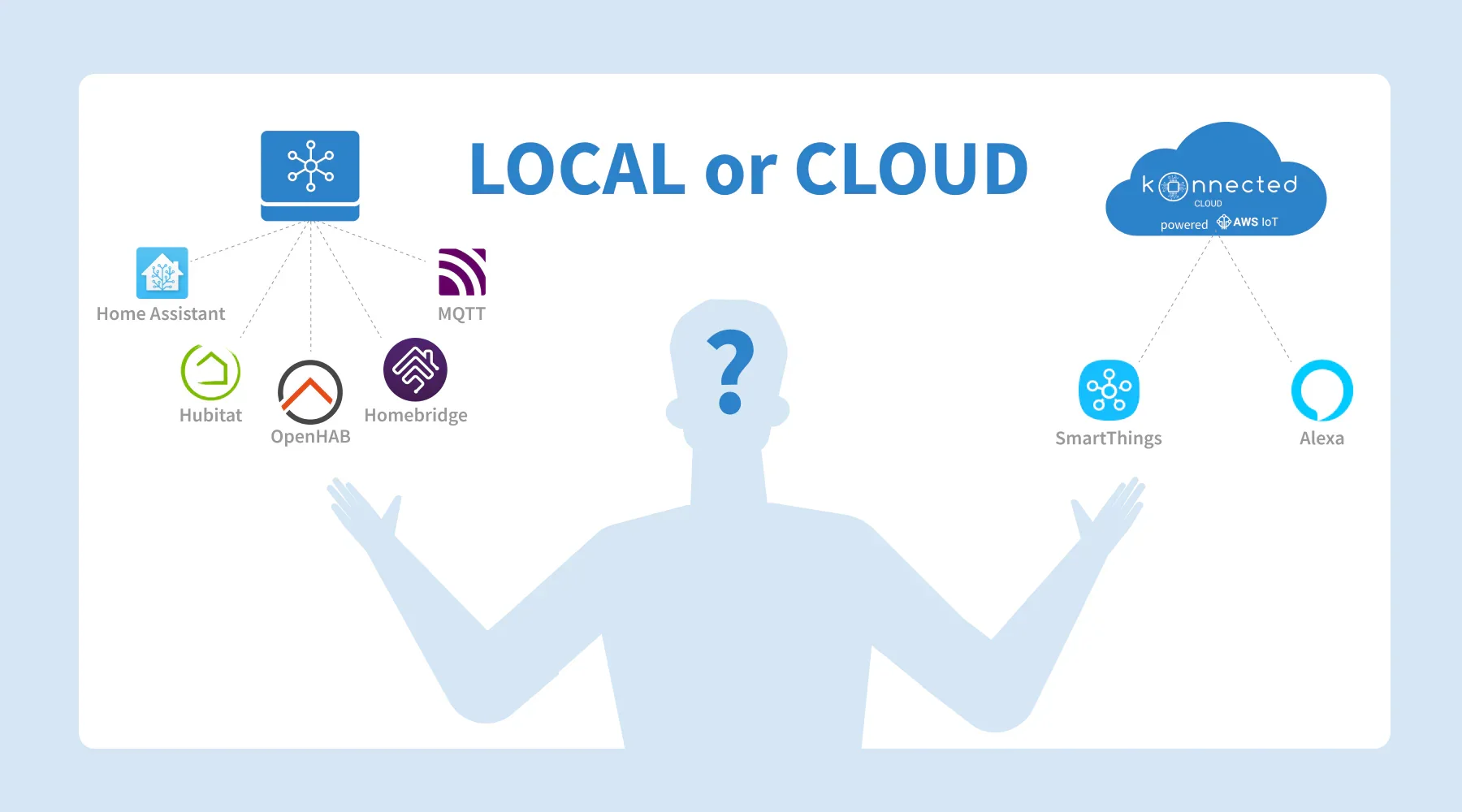
What Is a Cloud Smart Home?
A cloud smart home relies on remote servers to control devices and process automation logic.Examples include:Google HomeAmazon Alexa ecosystemsMany WiFi-based smart devices
In a cloud-based system, commands travel through the internet.Example workflow:User taps a phone appCommand sent to cloud serverServer processes automationServer sends command to device
This architecture requires an active internet connection.Advantages of Cloud Smart Homes
Cloud-based systems are popular because they are easy to set up.Benefits include:Simple device installationAutomatic software updatesVoice assistant integrationRemote access from anywhere
For beginners, cloud smart homes can be very convenient.Limitations of Cloud Smart Homes
Cloud systems have several drawbacks.Internet dependency
If your internet connection goes down, automation may stop working.
Privacy concerns
Cloud devices often transmit data to external servers.
Latency
Commands may take longer because they must travel through remote servers.
Vendor lock-in
Many cloud platforms limit compatibility with competing devices.
What Is a Local Smart Home?
A local smart home system runs automation directly on a device inside your home, such as:Raspberry PiMini PCDedicated automation hub
Platforms like Home Assistant and OpenHAB focus heavily on local automation.In a local system:Sensor triggers eventLocal hub processes automationDevice responds instantly
No internet connection is required.Advantages of Local Smart Homes
Local automation offers several major benefits.Faster response times
Commands run directly on the local network.
Increased privacy
Device data stays inside your home.
Works without internet
Automations continue functioning during internet outages.
Greater flexibility
Local systems support more customization and integrations.
Limitations of Local Smart Homes
Local systems can require more setup and maintenance.Challenges include:Initial configuration complexityHardware setupManaging updates
However, once configured, local systems are usually more reliable and powerful.Hybrid Smart Homes: The Best of Both Worlds
Many modern smart homes combine local automation with selective cloud services.Example architecture:Local automationMotion sensorsLighting controlSecurity alerts
Cloud servicesVoice assistantsRemote notificationsMobile access
This hybrid approach delivers reliability with convenience.Final Thoughts
The choice between local smart homes vs cloud smart homes depends on your priorities.Cloud systems are:Easier to set upMore consumer friendly
Local systems provide:Better privacyFaster automationGreater reliability
For advanced smart home users, a local-first architecture with optional cloud integrations often provides the best overall experience.